There is a lot of discussion in XR about interaction. Hand tracking is often presented as the next step, while controller tracking is sometimes framed as something we should be moving past.
In practice, most VR experiences still rely on controllers. Not because hand tracking does not work, but because the two approaches solve different problems.
This post compares controller tracking and hand tracking from a practical perspective, based on how they hold up once you move beyond demos and into real use.
Controller Tracking in Practice
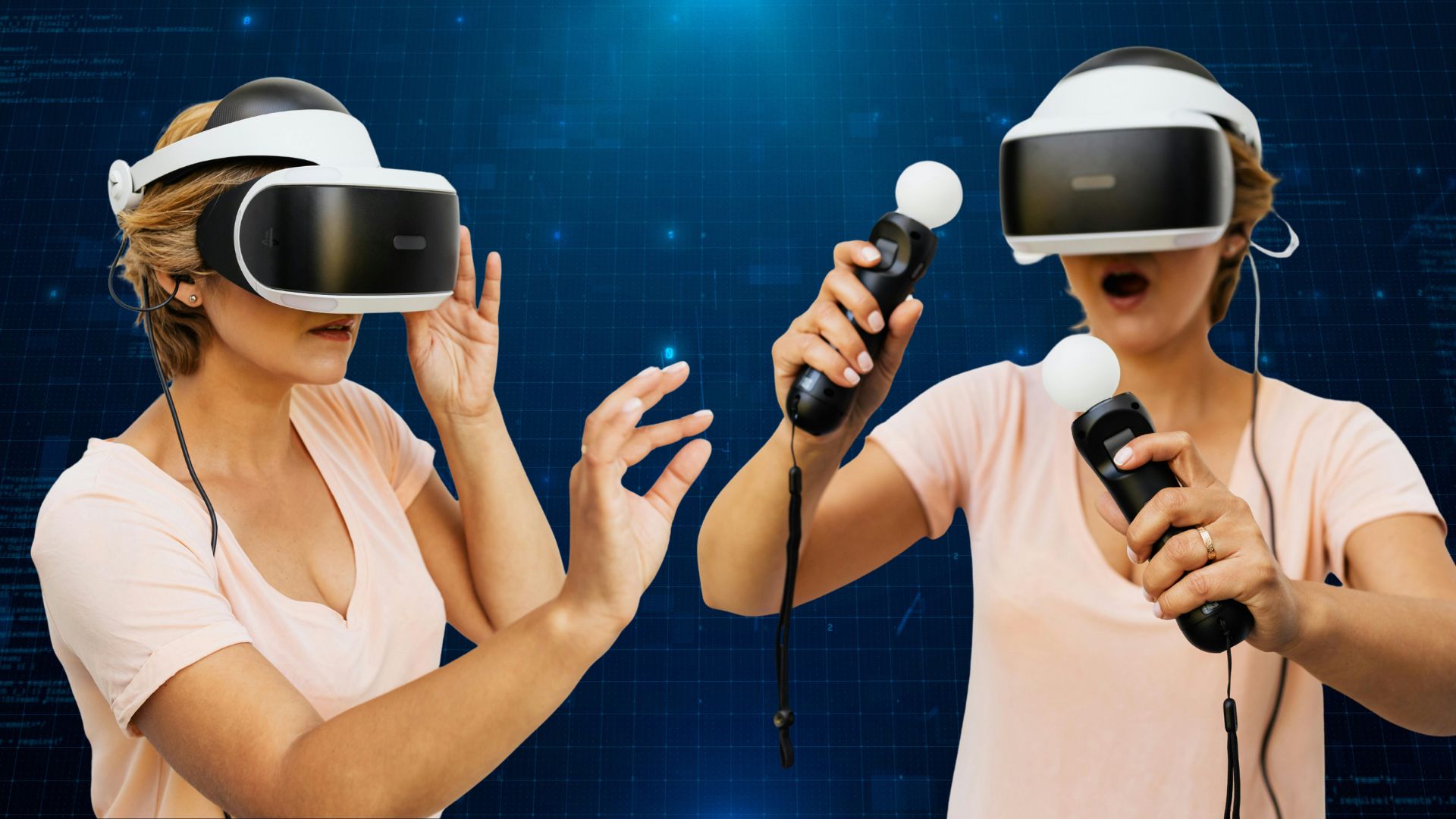
Controller tracking remains the foundation for most production VR applications. Physical buttons, triggers, and joysticks create deliberate input, making it clear when an action begins and when it ends.
This matters when tasks require accuracy or need to be repeated consistently. Predictable input reduces hesitation, and haptic feedback reinforces intent in a way that helps users build confidence over time.
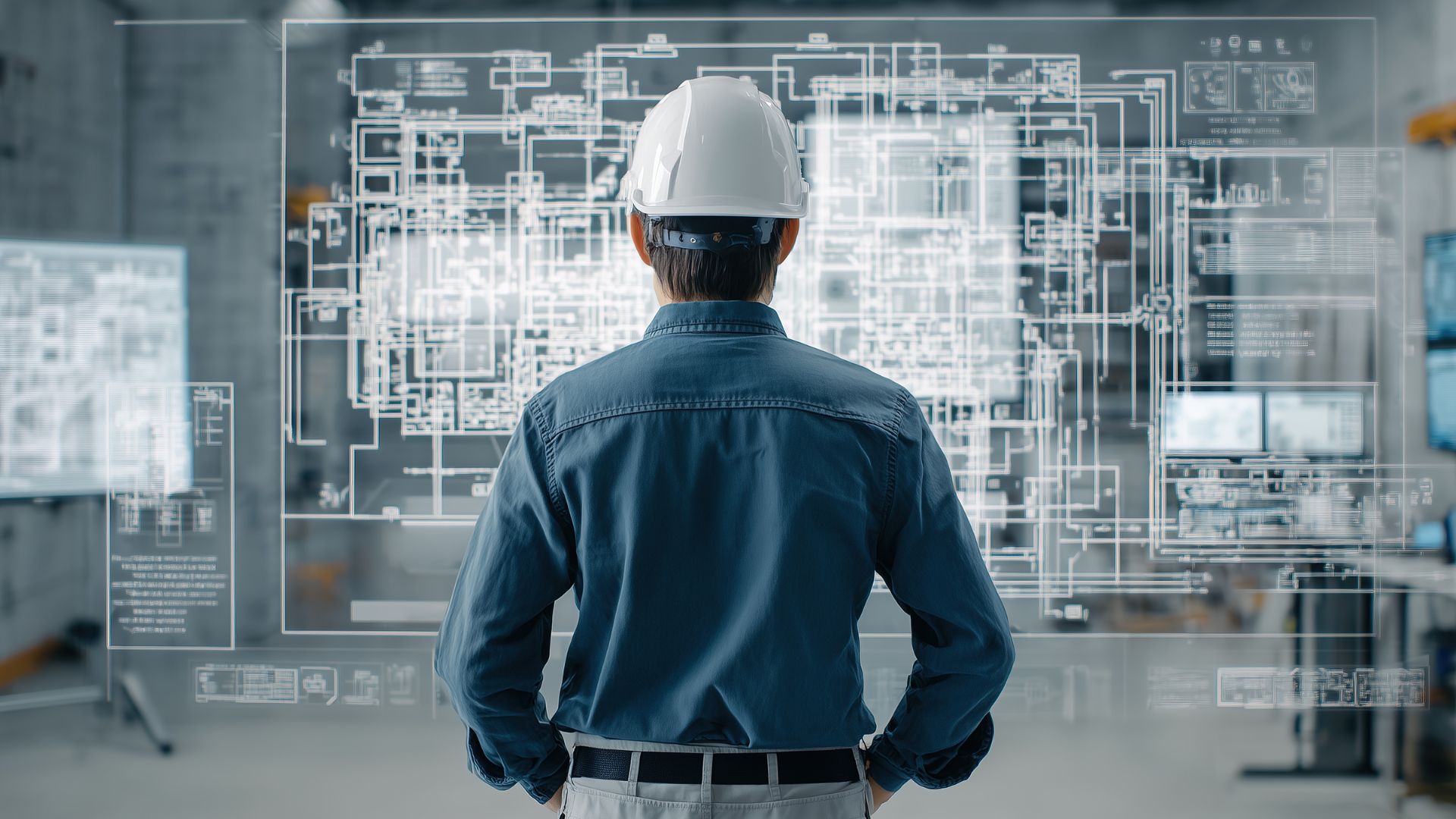
In training, guided assembly, and operational workflows, that reliability becomes important. When something needs to work every time, controllers tend to hold up better.
This does not mean controller-based interaction always feels natural, particularly for first-time users. But once learned, it is consistent and dependable, which makes it well suited to real-world use.
Hand Tracking in Practice
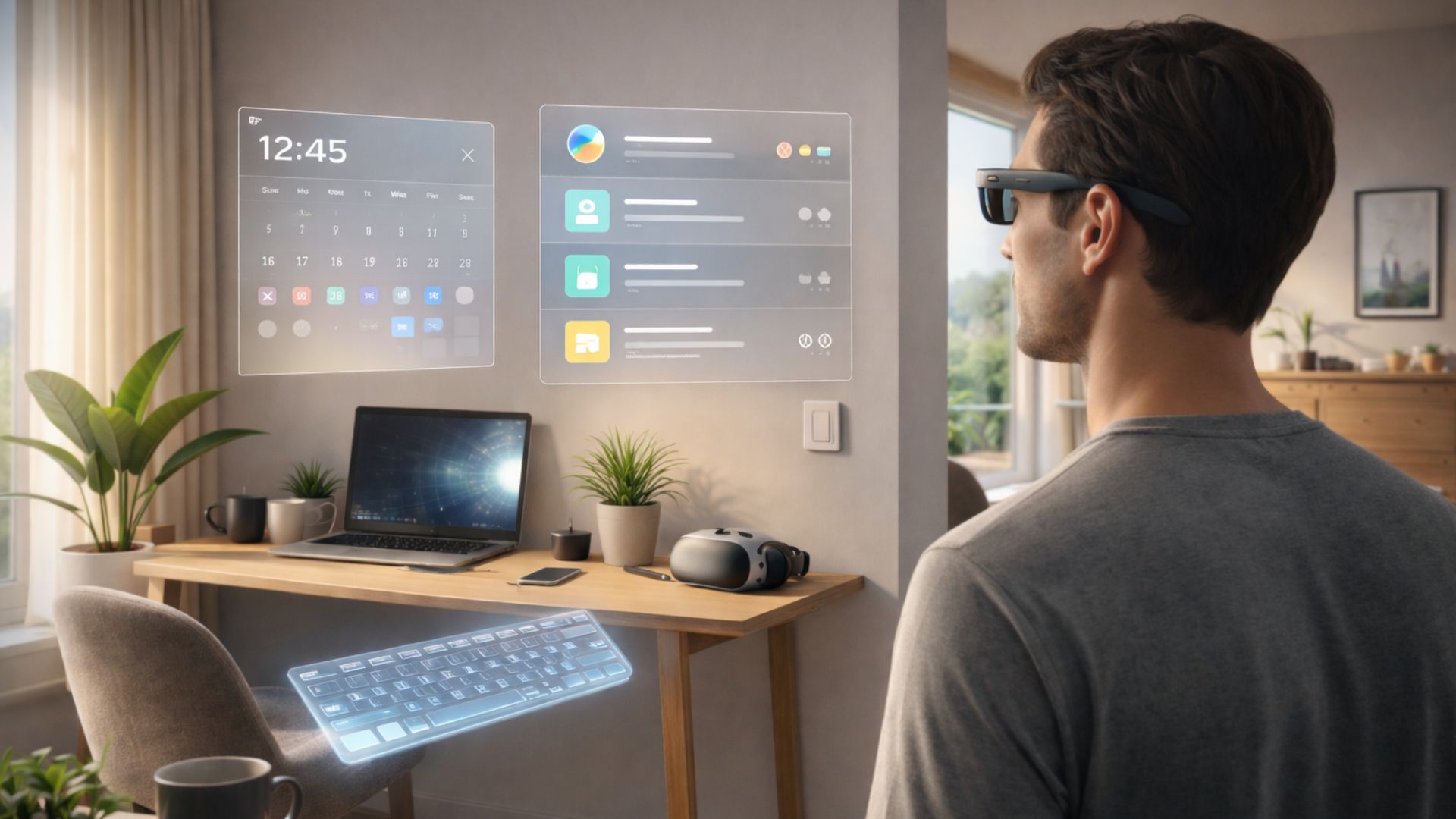
Hand tracking changes the experience immediately. Removing controllers lowers the barrier to entry and increases the sense of presence. Seeing your hands in the environment feels intuitive and familiar.
This works well for exploration and mixed reality, where the goal is understanding rather than execution. For onboarding and early interaction, hand tracking often feels like the right choice.
The limitations become clearer as tasks become more demanding. Fine manipulation is harder without tactile feedback, and fatigue becomes a factor over longer sessions. Performance can also degrade depending on lighting, occlusion, and hand posture.
Hand tracking is compelling, but it is less forgiving when conditions are not ideal.
Understanding the Trade-Offs
From my experience, the difference between controller tracking and hand tracking is less about technology and more about context.
| Requirement | Controllers | Hands |
|---|---|---|
| Precision tasks | Strong | Limited |
| Repetitive workflows | Strong | Fatiguing |
| Discovery and onboarding | Adequate | Strong |
| Tactile feedback | Yes | No |
| Environmental tolerance | High | Medium |
| Sense of presence | Medium | High |
Controllers are better suited to execution.
Hands are better suited to exploration.
Once interactions move into repeatable workflows, controllers tend to outperform hands. When the goal is approachability and presence, hand tracking has a clear advantage.
Designing for Real Use
The most effective VR systems do not treat this as a single choice.
In practice, a pattern that works well is using hand tracking for onboarding and low-stakes interaction, then transitioning to controllers for precision tasks and longer sessions.
This approach allows experiences to feel natural without sacrificing reliability. It also gives users flexibility, which becomes more important as XR moves beyond novelty and into regular use.
Designing for the User
It is easy to design interactions that look impressive in a demo. It is harder to design interactions that still work in real use.
When people are tired and environments are imperfect, small issues start to matter. Accuracy becomes harder to maintain, and interaction design is tested quickly.
Controller tracking is not outdated, and hand tracking is not a universal replacement. Each exists because it addresses a different kind of problem.
Good XR design comes from understanding those differences and making deliberate choices.
Final Thoughts
The future of VR interaction is not about choosing between controllers and hands. It is about understanding when each makes sense.
As VR matures, the focus will continue to shift away from what looks futuristic and toward what works reliably in real-world conditions.
Thanks for reading. If you'd like to talk about technical delivery, AI adoption, XR or emerging technology, I'm always open to a conversation.
You can find me on LinkedIn, browse more writing on the blog, or explore my recent work.