Agent Automation in Practice: An AI Agent Writes This Post
Artificial intelligence has been in the spotlight for a while. Most of us have used chat assistants and coding copilots to speed up our work or answer a quick question. Those tools are reactive – they wait for a prompt, spit out an answer and stop.
Lately there’s been a lot of talk about agents. Agents are AI systems that can do something rather than just reply. They break a goal into steps, decide what to do next and use the right tools along the way. They don’t just wait for your next question.
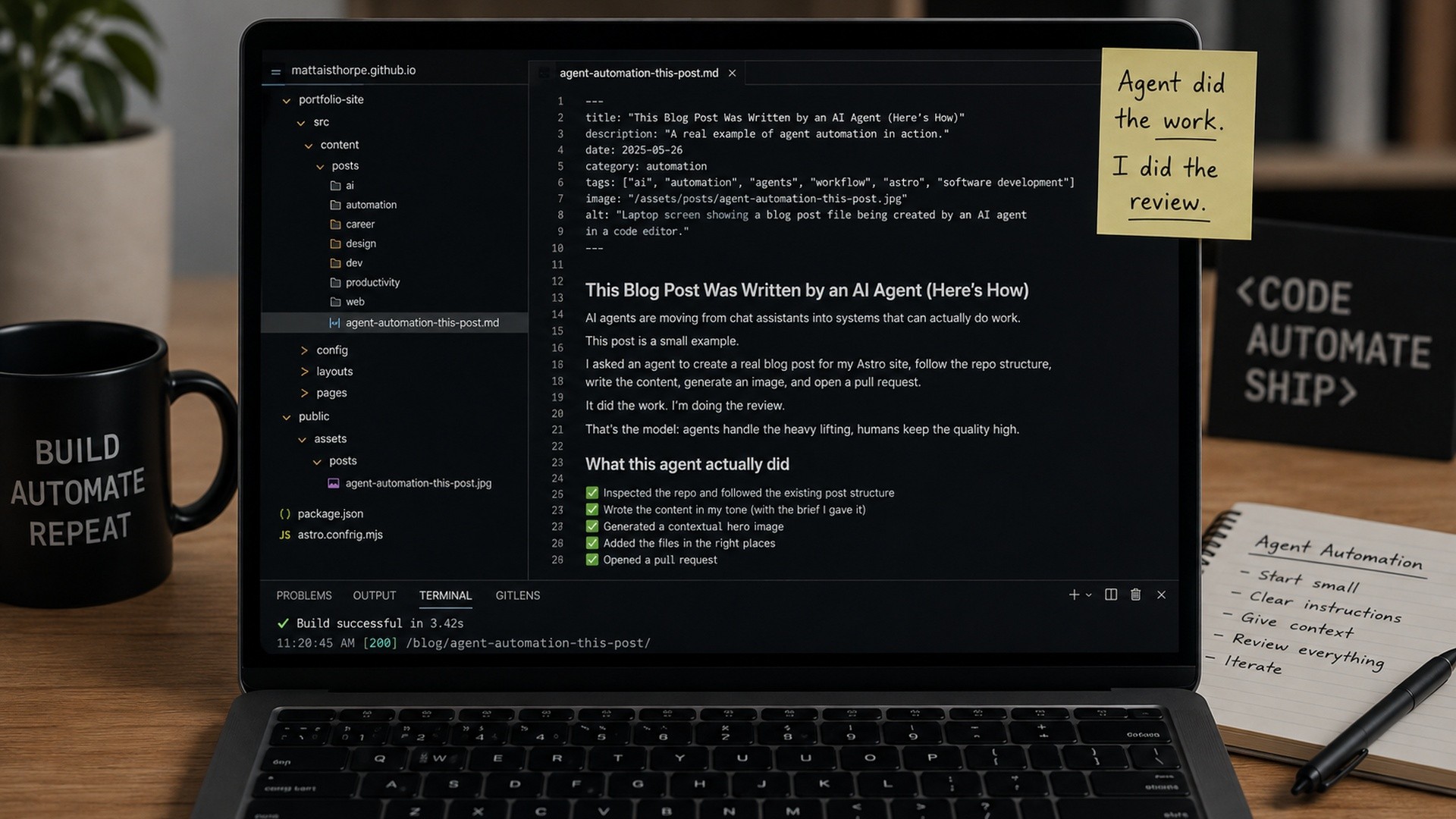
This post is a real example of agent automation. I asked an AI agent to make a blog post for my Astro site. It inspected the repo, followed the existing folder structure, wrote the content in my voice, generated a contextual hero image, and even drafted a pull request. I’m writing this paragraph to introduce what it did and to keep the honesty I want in my posts.
What this agent actually did
- Inspected the repo and followed the existing post structure and naming conventions.
- Wrote the content based on the brief I gave it, matching my preference for direct, grounded writing without marketing fluff.
- Generated a hero image that fits the topic – a laptop showing a post being assembled, hinting at automation without cheesy robots.
- Added the files in the right places under the /ai category and the /public/assets/posts directory.
- Drafted a pull request on a new branch, summarising the changes and build status.
Practical limits and lessons
Agents can automate pieces of a workflow, but they still need clear direction. In this case I had to specify where to look in the repo, how the front matter should be structured and what the image should represent. Without that context they wander.
Review is still crucial. The agent wrote this post, but I reviewed the draft, tweaked the phrasing and checked the details. Automation handles the grunt work; humans keep the quality high.
Context matters. This site uses Astro and a specific content collection. The agent had to understand that structure to slot a new post in neatly. Plug an agent into a different stack and it will need to learn the rules there too.
How you can start using agents
If you build software, you don’t need a moon-shot project to get value from agents. Start small. Use them to generate documentation from code comments, scaffold new components, fill in boilerplate or create draft content like this. Give them a clear brief and a bounded task.
As you get comfortable, stitch these small automations into a bigger workflow: have an agent generate release notes, update a changelog and open a pull request. Just remember that review is part of the process. Agents lighten the load; they don’t replace responsible humans.
Final thoughts
This post is more than a write-up; it’s a working demo. It shows that AI agents are moving beyond chat to actually doing work. But it also shows that practical automation isn’t magic. It’s a partnership: the agent handles the repetition, and we provide the guidance and judgement.
If you end up trying this yourself, let me know. I’m curious to see how others integrate agents into their workflows and where the pain points are. The tools are improving quickly, but grounded examples are what help us all learn.
Thanks for reading. If you'd like to talk about technical delivery, AI adoption, XR or emerging technology, I'm always open to a conversation.
You can find me on LinkedIn, browse more writing on the blog, or explore my recent work.